AI photos and videos.
Products. Ads. Trends.
Choose a ready scene or upload your own video. Add your photos and create a new version in the app.
Free registration · Create with credits
SceneChoose a ready video
Product photoCustom work with our team
Your videoUpload your source footage

Ready versionUse it in your channel
Product · ad · trend
Your first video
Register, top up credits, and create your video.
- Create an accountRegister or sign in.
- Top up creditsChoose a package in your account.
- Create your videoPick a scene and add your photos.
Registration is free. Credits are used for generation. You see the cost before launch.
PHOTO · VIDEO · ADS
Products. Scenes. Trends.
Choose a catalog scene or upload your own video and make a new version in the app. Custom product photos and ad content are handled by our team.
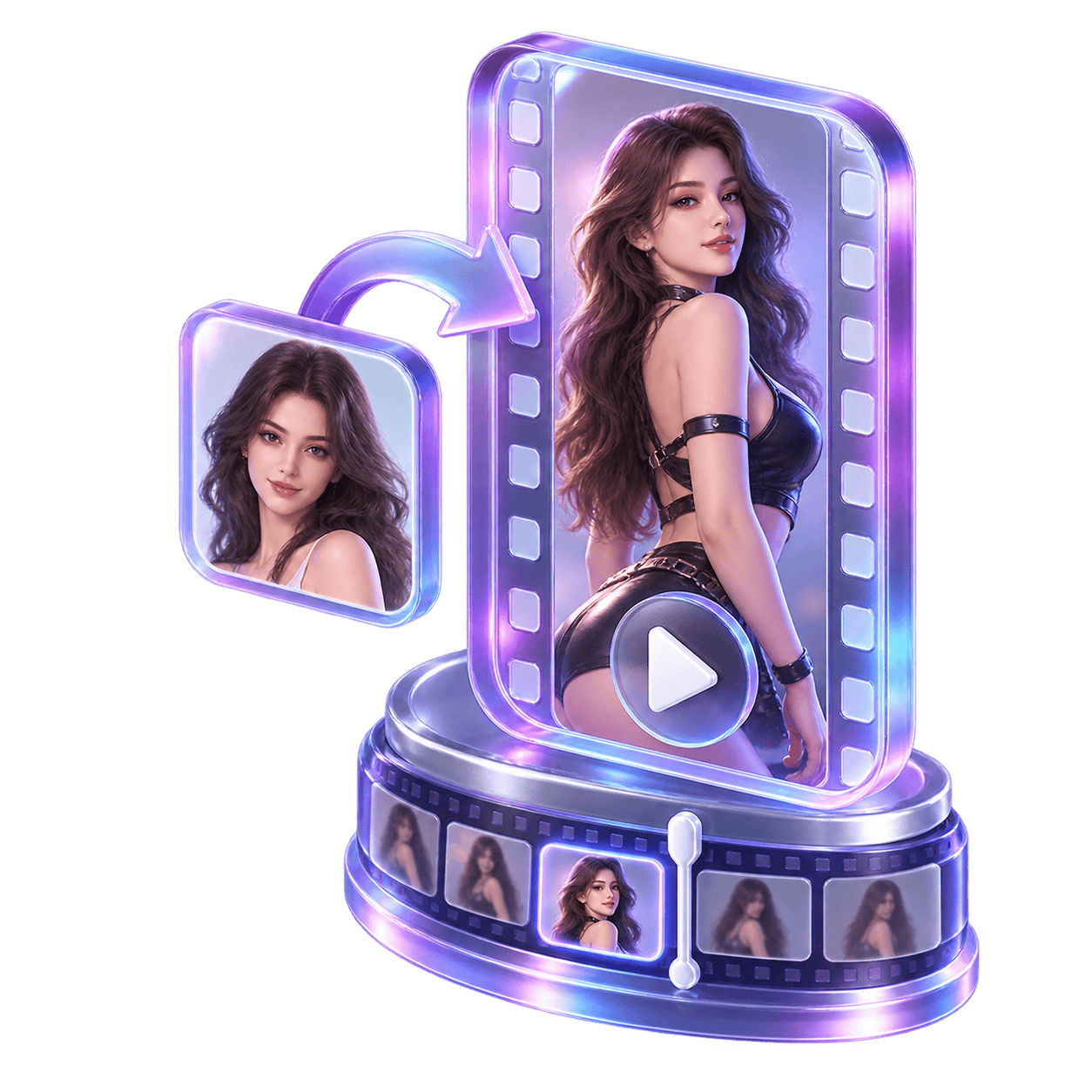
Product contentaiCONTENT
The scene sets movement and setting; your product and brief set the creative direction.
What you prepare
VideoCatalog or source video
ProductProduct photo
CreativeAd concept
Ready versionReady-version review

- Video
- Choose a sceneCatalog scene or your own video.
- Photo
- Share the productA product photo for the team.
- Advertising
- Define the messageBrief, format, and channel.
- Result
- Review every frameA final version for your channel.
aiCONTENT by aiNOW
PRODUCT. NEW SCENE.
Photo · video · advertising
Choose a catalog scene or add your own video; discuss product photos and ad content with our team.How does an idea become ready content?
Choose a task and see where we start.
aiCONTENT
The scene should fit the offer
A scene preview shows the movement and format before you start.
What we review
- Which scene fits the product.
- What material to upload.
- Which format the channel needs.
- Who approves the final version.
First step
We define the product, goal, and channel, then choose a fitting video.
What we need
A product photo or your own video, a short brief, and the channel.
Choose what you need today
Start from a video scene or your own material; discuss product photos and ad creative with our team.
Scene catalog
Browse ready videos and choose where to start.
Product photo and advertising
Need a photo or ad asset? Our team can scope it with you.
Your own video
Upload source footage and prepare a new version in the app.
Ready content for the channel
Receive the agreed file in the size your channel needs.
Content for business
Product photos and videos for different industries
We choose the scene, format, and message for your product, audience, and channel.
Healthcare
Clinics and beauty
A calm, clear service video for patients.
Start with one concrete question.
Choose an educational or promotional format.
Keep medical claims for your team to approve.
Have a person review sensitive copy and visuals.
Hospitality
Restaurants and HoReCa
A short video for a menu, venue, or offer.
Choose a fitting dish or venue scene.
Prepare a short version for social channels.
Add the prices and terms your team approves.
Create a seasonal version when useful.
Property
Real estate
A clear video for a property, space, or project.
Choose an environment that fits the project.
Build a short explainer shot.
Show only the property features your team approves.
Review copy and visuals before approval.
Retail
Online shops
Product photos and short product-use videos.
Start with real product photos or footage.
Choose one concrete use case.
Show real sizes, prices, and product details.
Agree custom product photo and ad work with the team.
Auto business
Auto and mobility
A video for a model, service, or advertising message.
Choose a scene that fits the product and channel.
Separate technical facts from decoration.
Review specifications before approval.
Prepare the short version for the channel.
Services
Professional services
Turn one complex service question into a short explainer.
Start with one concrete question.
Choose a calm, clear visual style.
Review the copy with your legal specialist.
Let your team approve the final copy.
From idea to ready content
Know when you can choose a scene in the app and when our team joins the work.
1
Define the task
Decide whether you need a scene-based video, a new version of your footage, or custom photo and ad work.
2
Create the first version
Build an app version from a catalog scene or your video; agree the scope separately for team work.
3
Approve the file
Apply agreed edits and deliver the version for your channel.
A controlled content process
You decide what the material should be
We work from your goal, choose a real scene or scope custom photo and ad work, and agree the final version with you.
Source photo or video
Start from a product photo, catalog scene, or your own footage and record what must stay unchanged.
What we review 01● ● Your approval
Brand visual rules
Agree colors, packaging, copy style, and scene boundaries.
What we review 02● ● Your approval
Human review
Review the test and final result against agreed criteria.
What we review 03● ● Your approval
Channel format
Define where the video will be used and which size is needed.
What we review 04● ● Your approval
Version control
Keep test, review, and final files distinct.
What we review 05● ● Your approval
Photo and ad team
When you need custom product photography or ad creative, our team agrees the scope before work begins.
What we review 06● ● Your approval
Who works with you
The aiNOW team
aiCONTENT is aiNOW's photo and video workflow: start in the app from the scene catalog or your own footage.
Our team prepares product photos and custom ad content from an agreed brief.
Scope and working terms are agreed before work begins.

Andro Kasparov
Co-founderCEO
Tornike Epitashvili
Co-founderCTOTbilisi, GeorgiaaiNOW · 2026
[Answers to your questions]
Frequently asked questions
How video creation starts, what you can do in the app, and when our team joins.
Open the aiCONTENT app, register or sign in, and top up credits. Then choose a scene or upload your own video and add your photos. You see the cost before starting.
Yes. Start with one scene or one source video, then decide whether to continue.
We discuss timing and cost after reviewing the material and agreeing the scope.
Still have a question?
Contact usWho this service fits
For businesses that need product photos, ad creative, or short videos from the scene catalog or their own material.
- You have a product, photo, or footage you want to use.
- You need a short social video or a trending version.
- You can explain the offer, channel, and preferred format.
- You need product photography or ad content prepared by a team.
Create your first video
Open the app, create an account and add credits. Then pick a scene and upload your photos. Contact our team for custom product photos and advertising.
A ready scene and your photos See the cost before launch Custom photos and ads are scoped with the team